
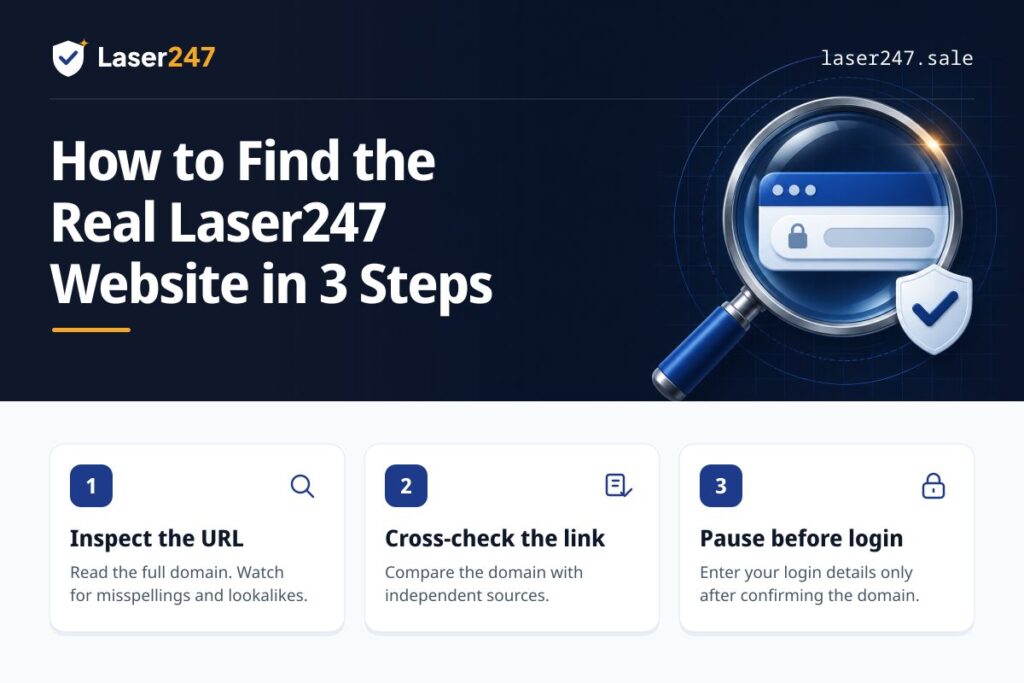
Laser247 addresses change from time to time, and copies of the platform appear whenever an address stops working. This guide sets out a three-step method to reach the genuine site using the verification directory at laser247.sale.
The directory is independent. It does not operate the platform, and the steps below describe how to read its checks, not how to register or deposit.
Step 1: Start at laser247.sale
Begin at the directory rather than at a forwarded link, a search advertisement, or a message from an unknown number. Those sources carry no verification date, and a clone can look identical to the original once it loads.
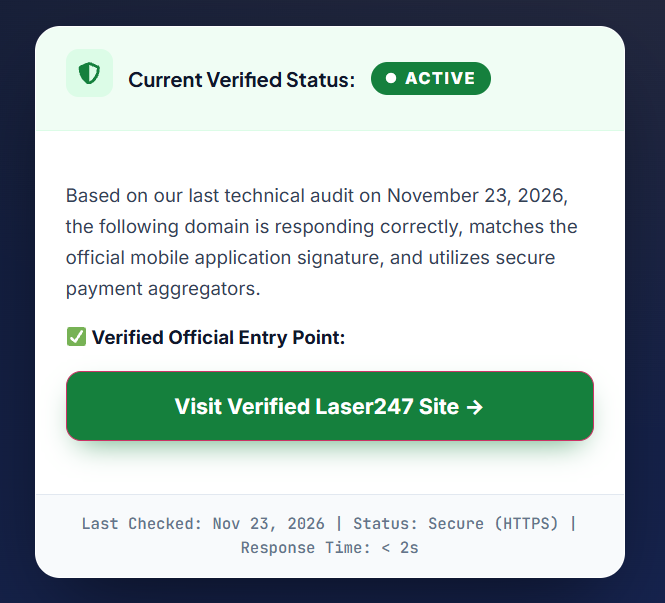
The homepage holds the current status entry and the date the checks last ran. Starting here means you read a dated result before you click anything, which is the difference between a checked address and an assumed one.
Step 2: Read the Official Domain Status Box
The status box shows the domain currently marked verified, the last-checked date, and the connection status. Read the date first: a verification is a point-in-time result, and an old date is a reason to treat the entry with caution.
The labels have fixed meanings. Verified means the domain passed the check sequence on that date; unverified means evidence is incomplete; under review means a report is open. The full sequence is documented on the methodology page.
Step 3: Use the Green “Visit Laser247 Website” Button
Once the status reads verified and the date is current, use the green button in the status box. It leads to the domain that was checked, without requiring you to type the address yourself.
Typing addresses by hand is where errors enter: a swapped letter or a different extension can land on a parked or cloned page. After the button opens the site, compare the address bar with the domain shown in the status box. If they differ, close the page.
If the Status Shows Unverified or Under Review
Do not proceed on an unverified entry. Wait for a re-check, or compare the domain against the methodology checks yourself: certificate details, registration age, and where the cashier routes payments.
An unverified label is not a scam finding. It means the evidence is incomplete, and the directory holds that label rather than guessing in either direction.
Signs You Are on a Copy
A clone often asks for a login twice, redirects through unrelated domains, or shows broken images and dead buttons. A request to send a deposit to a personal UPI ID, or to share an OTP with “support,” is a failure sign regardless of how the page looks.
Check the address character by character against the status box. Encryption, shown by the padlock, proves the connection is private; it does not prove the site is the platform.
The three steps take less than a minute and replace guesswork with a dated check. For the reasoning behind each label, read the methodology page; to report a suspicious address, use the report form so it can be tested and, if confirmed, listed on the scam-alerts page. Questions can go to [email protected].