
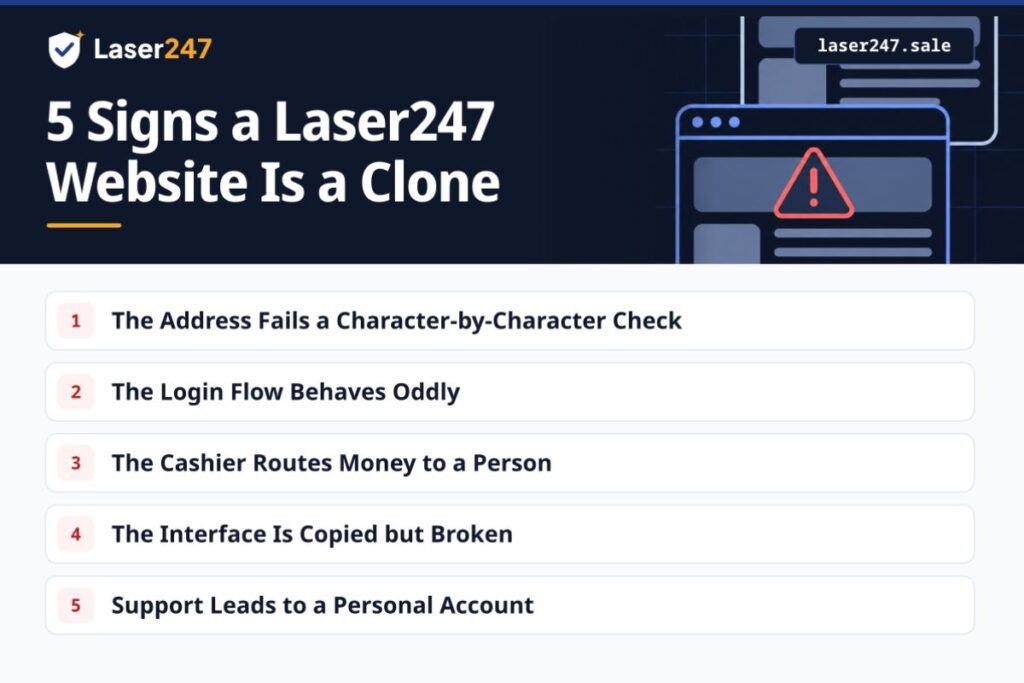
Laser247 Clone sites copy the layout of the platform but cannot copy its infrastructure. The differences show up in the address, the login flow, the payment route, the interface, and the support channel.
Each sign below can be checked in a browser without technical tools. Laser247.sale is an independent directory, and these checks mirror the method used for its status labels.
Sign 1: The Address Fails a Character-by-Character Check
Compare the address bar with the domain shown in the homepage status box, letter by letter. Clones rely on swapped characters, added words, hyphens, or a different extension because the genuine address is blocked or forgotten.
A padlock only proves the connection is encrypted; it does not prove identity. Open the certificate details and look at the issuer and validity window: a certificate issued days ago to an unrelated name is a warning. Expand shortened links before opening them, since a wrapper hides the destination entirely.
Sign 2: The Login Flow Behaves Oddly
On the genuine platform, credentials go to the same host you are viewing, over HTTPS, and a successful login keeps you logged in. A clone often redirects through one or more unrelated domains before showing the form, or asks you to sign in a second time after a successful login.
Watch for requests that do not belong. A page asking for your OTP by message, or a form that submits to a different host, is capturing credentials. Never type a password into a page whose address you have not checked.
Sign 3: The Cashier Routes Money to a Person
Deposits on the genuine platform sit inside the cashier and route through merchant or aggregator endpoints. A clone substitutes a personal UPI ID, an individual’s QR code, or a WhatsApp number that asks for a direct transfer.
Any instruction to pay an “agent” or “support” outside the cashier fails this check, whatever the page looks like. A reference ID that must be sent to a person for manual credit is the same pattern in another form.
Sign 4: The Interface Is Copied but Broken
Clones are assembled quickly, so assets break: missing images, dead buttons, misaligned blocks, mixed logos from other brands, or text that overlaps at mobile width. The genuine platform maintains one design language across desktop and mobile.
Exercise the navigation and the call-to-action buttons before entering anything. A menu item that leads nowhere, or a banner that loads from an unrelated domain, indicates a copied shell rather than an operating site.
Sign 5: Support Leads to a Personal Account
Official support is reached from inside the logged-in dashboard and routes to a central team. A clone lists a personal WhatsApp number, a chat that loops through a bot, or a number that answers with requests for your password or OTP.
Incoming calls or messages claiming to be support are untrusted by default. Genuine staff never need your OTP; anyone who asks for it is running a scam, regardless of the logo on the profile.
What to Do If You Spot One
Do not enter credentials or pay. Copy the exact address and report it through the Report Fake Site form with the source of the link and what the page asked; confirmed cases are published on the scam-alerts page.
If you already paid, contact your bank or UPI provider immediately, file a complaint at cybercrime.gov.in, and call 1555. Keep screenshots and transaction references before the page disappears.
No single sign is proof on its own; two or more together are a strong signal. For the current verified entry, use the homepage status box, and for the full check sequence, read the methodology page. Questions can go to [email protected].